Ruled paper without the paper
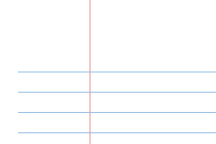
Plain ruled lines are the page most people reach for first when they take notes by hand. They keep handwriting level, they make it easy to see where one thought ends and the next begins, and they cost nothing in the way of design. This version is drawn for the iPad screen, so the lines run across the whole display and the first line sits a little below the top edge, where your hand rests naturally.
Pick a spacing for your handwriting
Quarter-inch spacing is the narrowest of the four and fits the most lines, which suits small writing with a fine pencil tip. The 9/32 inch option matches American college ruling and gives each line a little more room. Wider 11/32 inch spacing is easier on the eyes for large writing, and the 8 mm option follows the metric ruling that is common in Europe and Asia.
Colour, margin and header
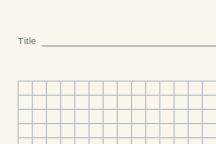
A soft sage background is the default, and you can switch to cream, sand, blush, lavender, mist blue, white or a dark background for night use. The red margin line can be moved to other positions or removed. If you want a page that doubles as a study sheet, the header option adds a title and a date line at the top, with the ruled lines starting underneath it.
Using it in GoodNotes
Download a single page to use as a template. In the Library, open the app menu and choose Manage Notebook Templates, then import the PDF and give it a name. A template made from a PDF uses only its first page, which is why this page defaults to one. To fill a whole notebook with ruled paper, pick a larger page count and open the file as a notebook instead.
Related pages
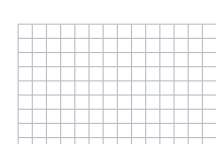
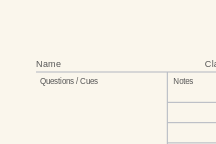
If you take notes in a structured way, look at the Cornell notes page, which splits the sheet into cues, notes and a summary. Visitors who prefer squares will find them on the graph paper page, and all of the iPad pages are collected on the GoodNotes hub. For paper you plan to print, use the main lined paper page.