Pages cut to the iPad screen
Most free templates are US Letter or A4 pages that the app has to shrink to fit the glass, which leaves a strip of empty space above or below your writing. The pages here are cut to the shape of the screen itself. Choose the 11-inch size for the standard iPad and for the 11-inch Air and Pro, the 13-inch size for the larger Air and Pro, or the mini size for the iPad mini.
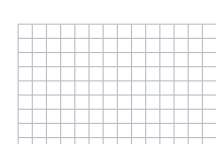
Because the page is made to the screen’s own width and pixel density, a 5 mm square measures about 5 mm on the glass whenever the page fills the width of the display. That makes it easy to draw a diagram at a known scale or to keep your handwriting an even size.
Colours, dark mode and a header
There are eight backgrounds: white, cream, sand, sage, mist blue, blush, lavender and a dark one. On the dark background the lines change to a soft grey, so the page does not glare when you study late in the evening. The tick box under the colour list adds a Title and Date line across the top. The squares start below it, so the lines never run through anything you write there.
One page or a whole notebook
If you want a reusable template, download a single page and add it to your template library. If you would rather start a fresh notebook, raise the page count, up to one hundred pages, and import the file in one go. The menu names inside each app change from time to time, so the short steps under the preview are written in general terms.
More papers for the iPad
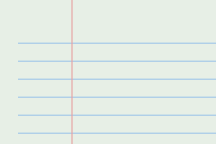
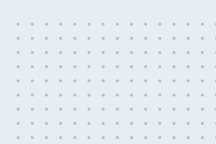
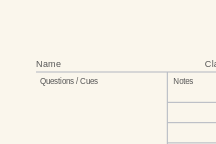
Squares are only the beginning. There are matching graph paper, lined paper, dot grid and Cornell notes pages, all with the same sizes and colours. Notability users have their own page with the import steps for that app. GoodNotes and Notability are trademarks of their owners, and this site is not connected to either company.